
Download Pink Rose Keyboard – Pink Rose Theme, Android Keyboard, Free Keyboard App, Sweet Keyboard Design
Overview
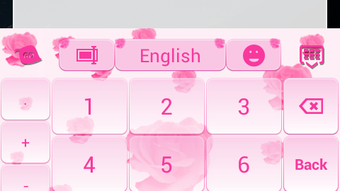
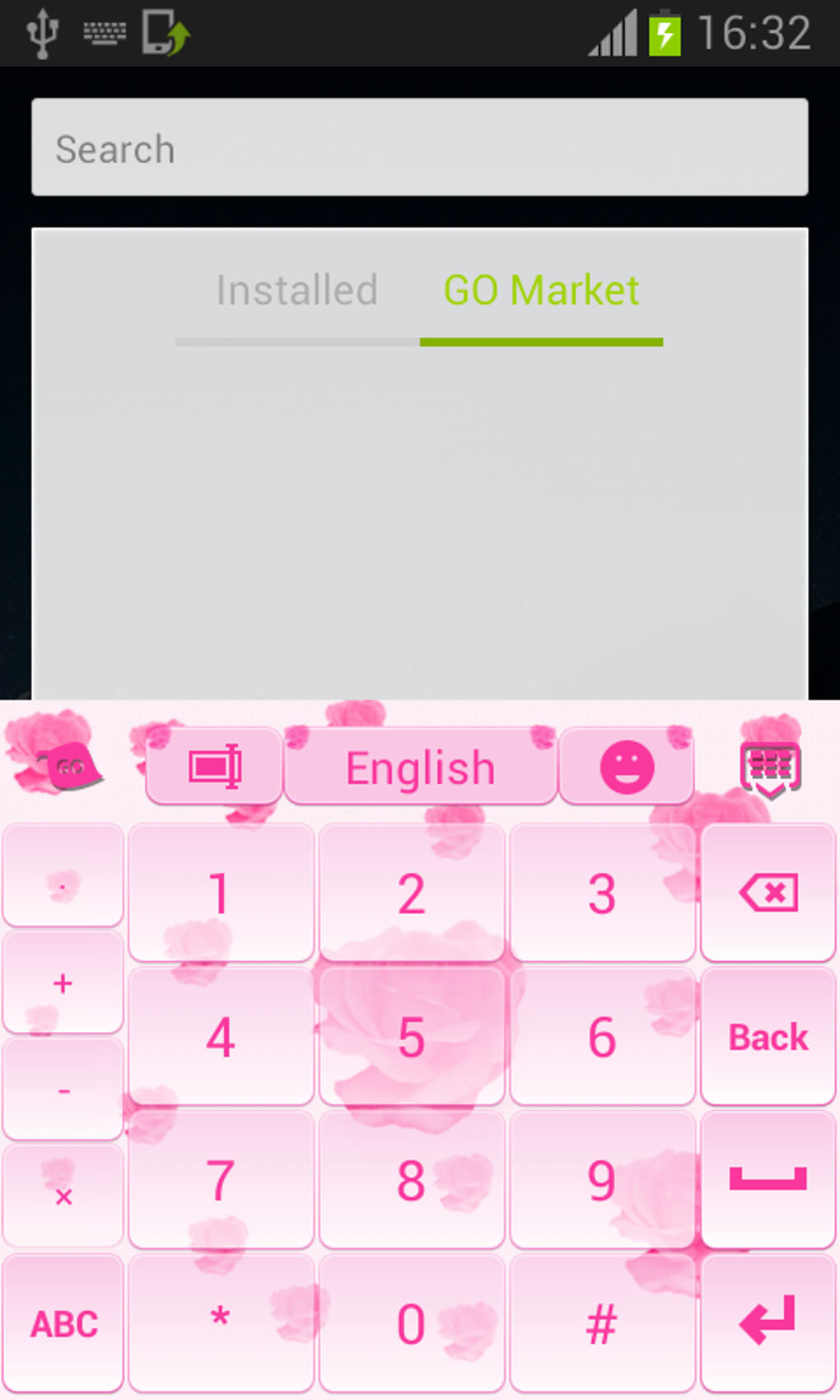
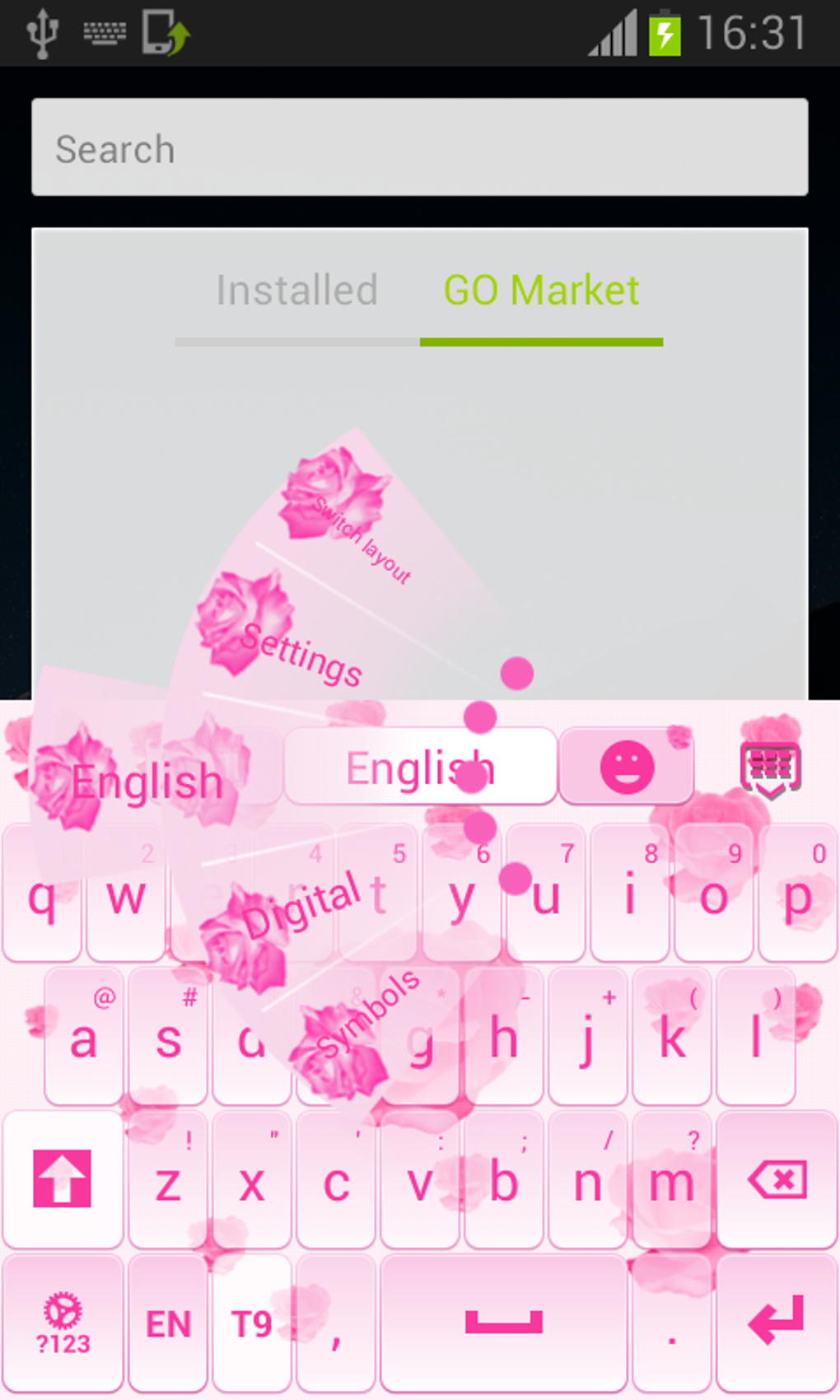
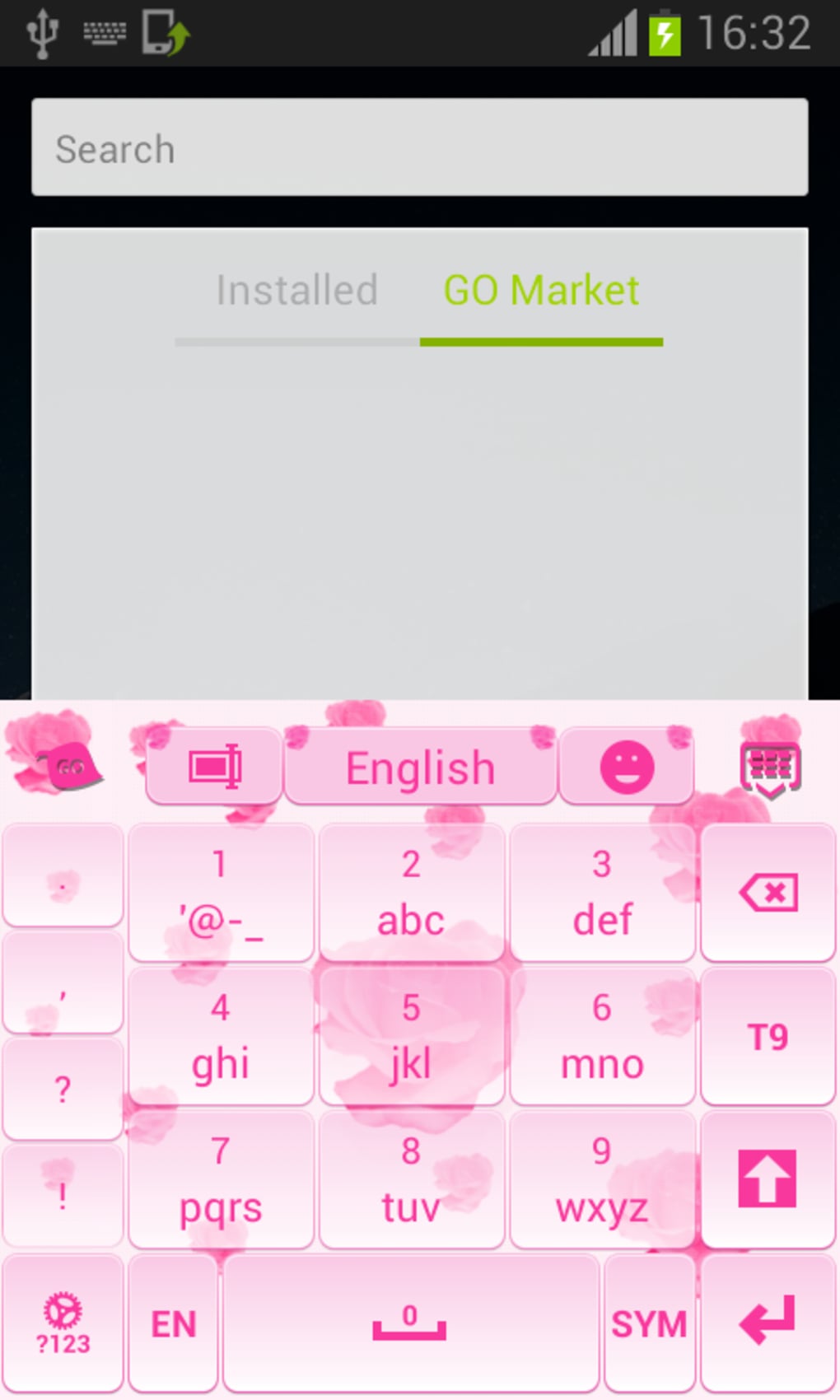
The Pink Rose Keyboard is a visually appealing keyboard theme developed by T-Me Studio for Android devices. Designed with a focus on aesthetics and charm, the theme centers around a delicate pink rose motif, offering users a romantic and feminine interface. It transforms the standard keyboard display into a more personalized and expressive experience, ideal for users who appreciate elegant design elements on their smartphones. The theme is specifically tailored for Android users seeking to enhance their typing interface with a soft, floral aesthetic.
It addresses the need for personalization in mobile user interfaces, allowing individuals to reflect their personality through their keyboard’s appearance. This makes it especially suitable for consumers who value visual appeal and enjoy customizing their devices. The theme is not a standalone keyboard application but a visual enhancement that integrates with GO Keyboard, which must be installed separately. Users can activate the theme through a simple three-step process: download the app, open it, and select “Set as Active Theme.”
Real-world usage includes personal device customization for everyday users, social media enthusiasts, and those who enjoy expressing individuality through digital interfaces. The developer did not provide additional details about the studio’s background or broader product offerings.
Key Features & Capabilities
- Delicate Pink Rose Aesthetic – The theme features a soft, romantic design centered on pink roses, creating a visually soothing and feminine typing experience.
- Compatibility with GO Keyboard – It functions as a theme for the GO Keyboard platform, requiring the base app to be installed for full functionality.
- Multi-Language Support – Includes 48 language translations in the menu system, enhancing accessibility for a global user base.
- Simple Activation Process – Users can set the theme in just three steps: download, open, and select “Set as Active Theme.”
- Free to Use – No cost is associated with downloading or applying the theme, making it accessible to all Android users.
- Regular Updates – The theme is updated periodically to maintain design freshness and ensure ongoing compatibility.
These features enable users to quickly and easily personalize their keyboard interface. For example, a user in a different country can switch the menu language to their native one, ensuring usability. The theme’s design is ideal for users who enjoy a soft, romantic visual style, such as those using their devices for social media, messaging, or personal note-taking.
User Interface, Workflow & Performance
The user interface of the Pink Rose Keyboard theme is centered around visual elegance and intuitive navigation. The keyboard layout maintains standard key placement for ease of use, while the background and accent elements reflect the pink rose theme. The design is consistent across all keyboard states, including typing, landscape mode, and emoji selection.
Workflow efficiency is enhanced by the straightforward activation process. After installation, users are guided through a minimal number of steps to apply the theme, reducing friction. The theme does not alter core keyboard functionality, meaning typing speed and accuracy remain unaffected.
Performance observations are based on general software behavior patterns. The developer did not specify resource usage details. No information was provided about CPU or RAM consumption, stability under prolonged use, or impact on device battery life. Users can expect a lightweight experience typical of theme-based applications, but exact performance metrics were not disclosed.
Compatibility & System Requirements
The Pink Rose Keyboard is designed for Android devices and is compatible with most smartphones and tablets running the Android operating system. The theme integrates with GO Keyboard, which must be installed for the theme to function.
Installation size and hardware requirements were not specified by the developer. The exact system requirements were not listed. Compatibility information was partially provided, indicating broad support across Android platforms but no specific version or device limitations.
Users should ensure that GO Keyboard is installed prior to applying the theme. If not installed, the app redirects users to the download page, ensuring a smooth setup path.
Pros and Cons
Pros
- Visually appealing pink rose design enhances device aesthetics
- Simple and fast activation process with minimal steps
- Supports 48 languages, increasing global accessibility
- Completely free to use with no hidden costs
- Regular updates to maintain design relevance
- Compatible with a wide range of Android devices
Cons
- Requires GO Keyboard to be installed separately
- No information on system requirements or resource usage
- Design may not appeal to users preferring minimal or neutral themes
- Updates are not tied to specific release notes or changelogs
- Limited customization options beyond the visual theme
FAQ Section
Is Pink Rose Keyboard compatible with my Android device?
The theme is compatible with most Android devices. However, the developer did not specify exact compatibility details or required Android versions.
Do I need to install GO Keyboard to use this theme?
Yes, the Pink Rose Keyboard theme requires GO Keyboard to be installed on your device. If it is not already installed, the app will redirect you to the download page.
Is the theme safe to download and use?
The theme is available through official app channels and is designed to be secure. No additional permissions beyond standard keyboard access are required.
Can I use this keyboard theme offline?
Yes, once installed and activated, the theme functions entirely offline. No internet connection is needed to use the keyboard interface.
How often is the theme updated?
The developer updates the theme regularly to keep the design fresh and relevant. However, specific update intervals or changelogs were not provided.
Final Thoughts
The Pink Rose Keyboard delivers a charming, feminine interface that stands out in the crowded mobile keyboard theme market. Its elegant pink rose design, combined with multi-language support and a simple setup process, makes it a strong choice for users seeking visual customization. While it relies on GO Keyboard and lacks detailed system specifications, its free access and broad compatibility enhance its appeal.
It is best suited for consumers who enjoy personalizing their devices with expressive, romantic themes. The lack of technical details is a minor drawback, but the overall experience remains positive for casual users and style-conscious individuals.
Download Pink Rose Keyboard now





.png)

